
RS232-TCP / IP
Privacy Policy
Informativa sui Cookie
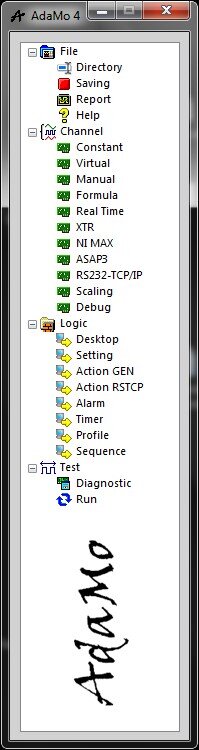
By selecting "RS232-TCP / IP" you enter the sub-area in which it is possible to create communication protocols with external systems with which to manage logical channels of input and output.
Typical uses:
- two-way communication with stand-alone measuring instruments (smoke, consumption, particulates, pollutants, etc.)
- two-way communication with programs available to respond to requests for data or to spontaneously publish them continuously
The syntax must be of the ASCII type and each protocol can be combined with both a serial port and a TCP port (in this case both locally and on the network).
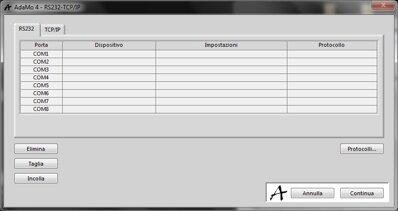
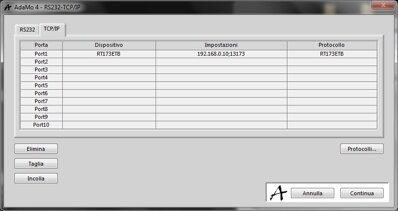
In these images we see the possibility of combining a protocol to both a serial port and a TCP port.
Through "Protocols ..." you enter the management settings of the commands that make up the protocol.
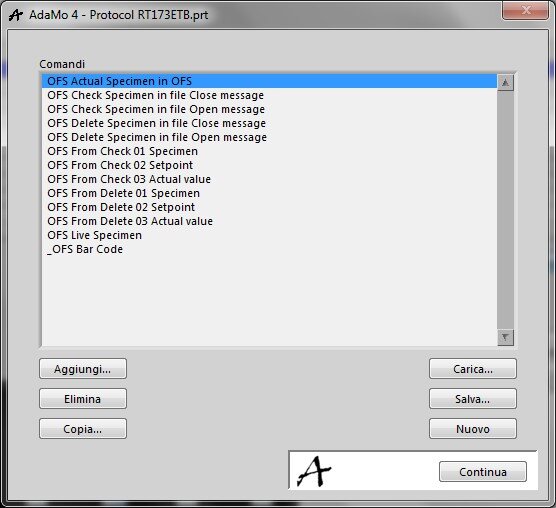
Each protocol consists of commands characterized by a name; the various protocols can be saved in individual files.
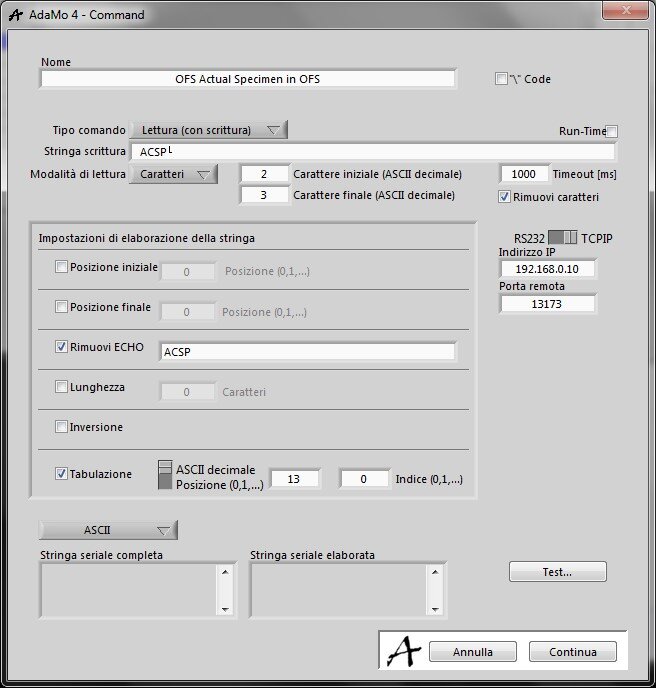
In this image you see the details for each command.
It’s possible to manage various characteristics as well as to test the effect ("Test ...").
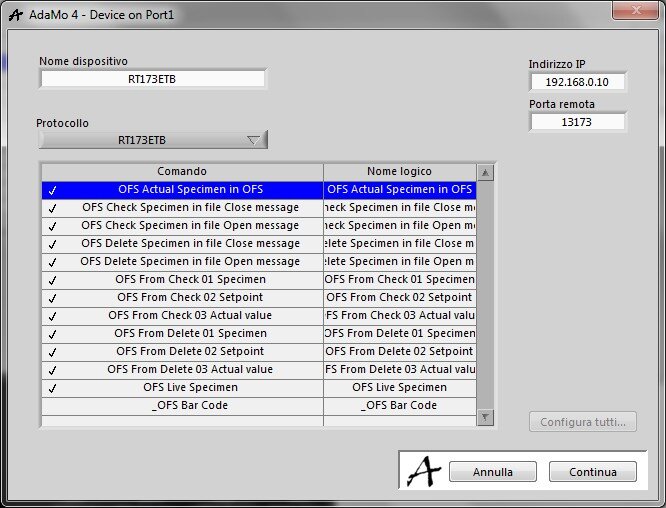
The commands enabled, and possibly renamed, become logical channels:
- to be used in the "RSTCP" Actions to perform the communication
- anywhere in the program you need the value obtained in response (numeric or text)
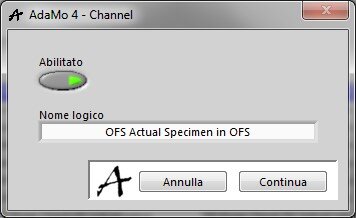
This picture shows details for each RSTCP channel.
Privacy Policy
Informativa sui Cookie