
SAVING
Privacy Policy
Informativa sui Cookie
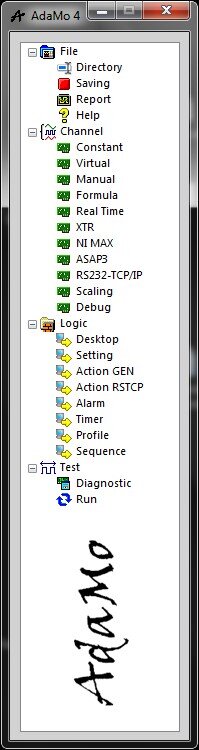
By selecting "Saving" enters the sub-area in which you can configure the file you want to save the data in.
All logical channels enabled are available; in general, in the program is always valid the rule that a logical channel is identified by name, sensitive to uppercase and lowercase characters.
The file can be managed in “Overwrite" mode, i.e. empty recreated each time losing any previous content, or in "append" mode by adding new lines to save to any other already existing; the structure of the data file is:
- Text format (ASCII) tabulation ("TAB")
- at the beginning there are some fixed lines of header
- in fixed position there are 3 lines with names, units of measurement of the constant channels
- in fixed position there are 2 lines with the names and the units of measurement of the dynamic channels
- then begin the lines of saving of dynamic channels without time limit
- very save writes an entire line, i.e. a value for each of the dynamic channels provided in saving (ordered in columns)
- you can decide which channels to save and in which position (column)
Saving can be done at event, i.e. single asynchronous, with or without average for accumulation (in the past as a moving average or in the future as an integral); saving can also be continuous, with temporal step definable up to a maximum frequency of 10 lines per second.
Saving can be performed by manual control by the operator or by automation.
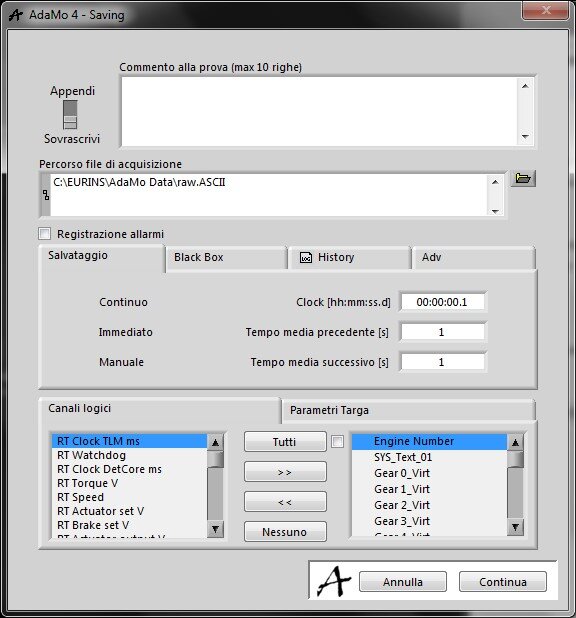
This picture shows fields where you can place the save file, the step of writing "Continuous", build up time in the past ("Immediate": moving average valid for the logical channels that require it) and in future ("Manual": integral of all channels to save), the list of channels and their location in the file.
It should be noted that the channels with the moving average activated (properties definable in "Scaling") become always and only available as the dynamic result of this average, i.e. every 100 ms have a new value that is the result of the moving average of previous samples acquired during the "immediate" time.
The time of moving average is unique for all the channels that require it and cannot be changed to "Run".
"Manual" is instead the time of default, adjustable during activities (in "Run"), to store the channels’ values, average them and thus generate an integral result.
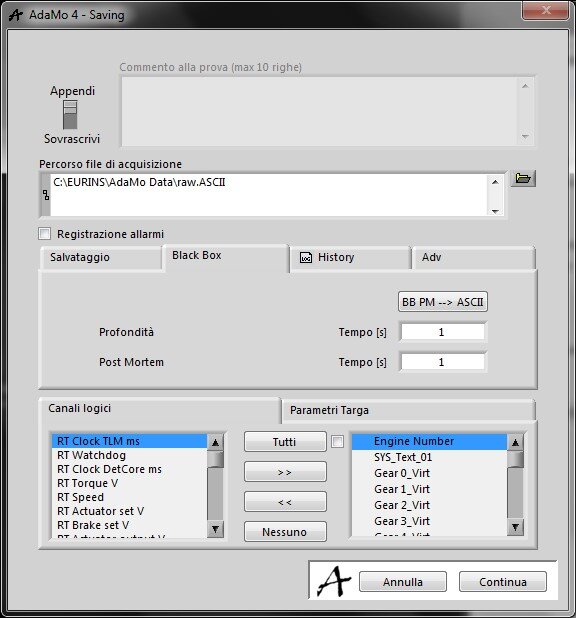
This picture shows the "Black Box" and "Post-mortem" times, i.e. the durations before and after a saving event (configurable) for channels in a dedicated file.
It should be noted that the event generates two files of binary data, one "Pre" and one "Post", that are unified and converted (button "BB PM -> ASCII”); all channels in saving are considered and it’s used the maximum frequency of saving.
The "Immediate" time described above must be included within the "depth" time.
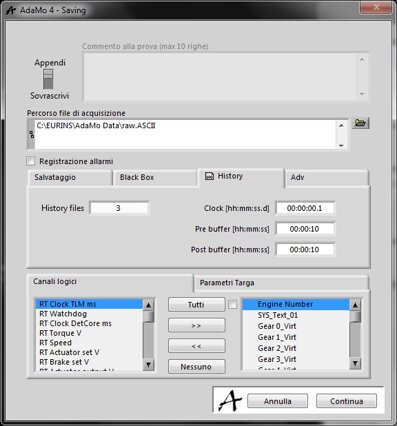
Alternatively, there is the Save to Event (configurable) in a dedicated file by "History" which is characterized by the possibility to define which channels to save and with what frequency, in addition of course to the durations of the times “Pre” and “Post".
Double clicking with the mouse on a channel in the list of saving the skill is the property of being considered for the event of "History".
A unique file is saved, already in text format.
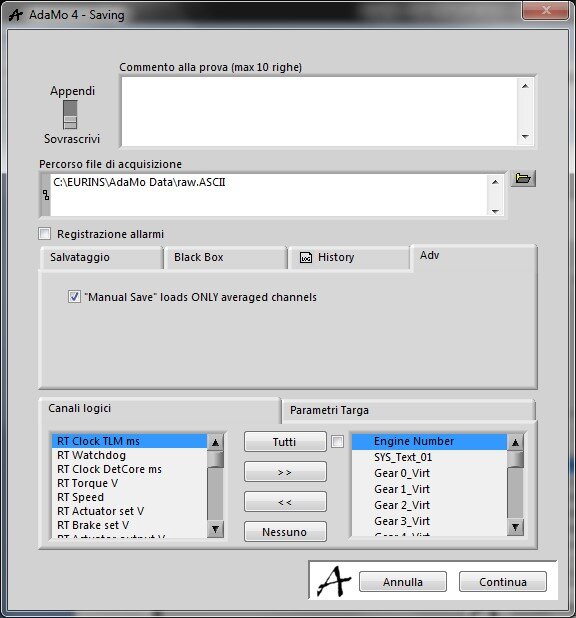
In this picture you can see the option to store and average, during the "Manual" save (i.e. integral in the future), only the channels with moving average enabled:
- If the option is not enabled, all channels are stored and their average is saved in the file
- If the option is enabled, only the channels already in moving average are stored, meaning that saving consists in the averaged value of these and the instantaneous value of the others.
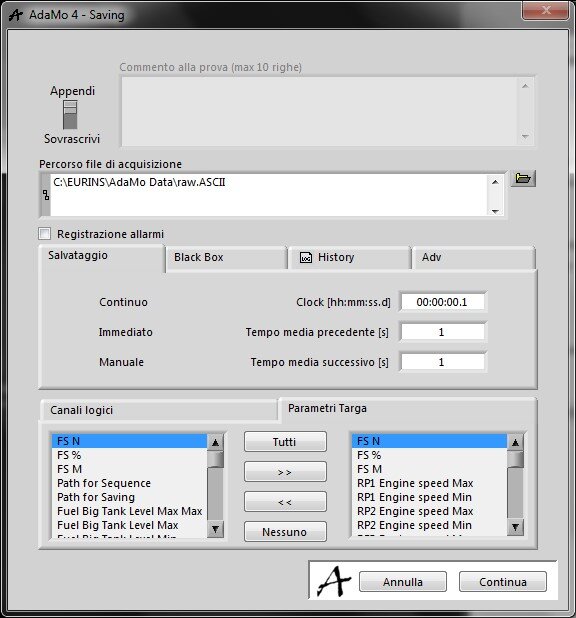
In this picture you can see the list of channels constants save and their position in the file; these values are only written during file creation, in the beginning lines, otherwise they can be modified with a system command (advanced function).
Privacy Policy
Informativa sui Cookie